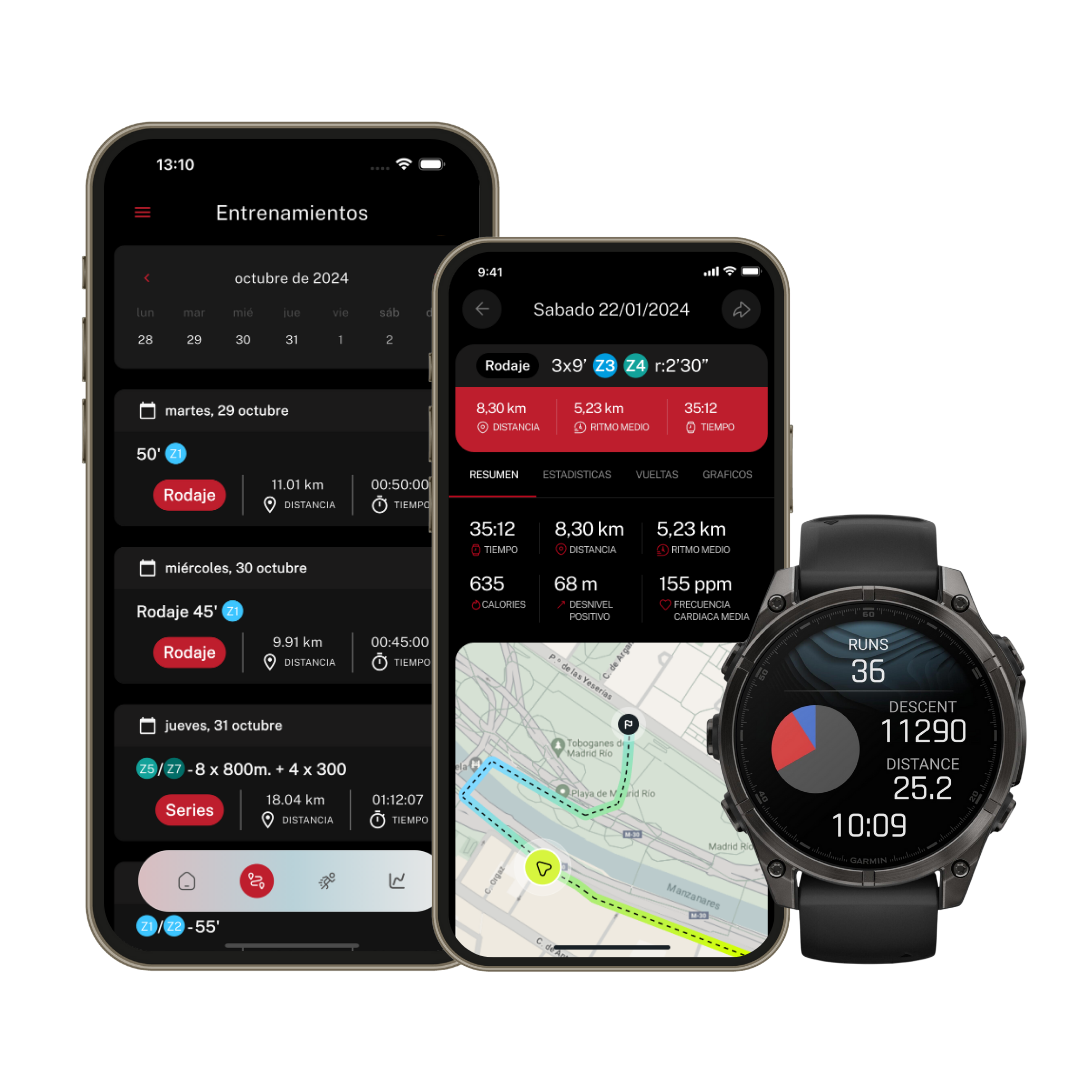
If you were wondering whether you can use your Apple Watch with Runnify, here you'll find all the requirements you need to meet to sync your watch correctly.
Requirements to use Apple Watch with Runnify
To link your Apple Watch with Runnify and receive your workouts on your watch, you need to meet the following requirements:
- iPhone running iOS 17 or later: Runnify's Apple Watch integration requires at least iOS 17 on the iPhone where you use the app.
- Apple Watch paired to your iPhone: your watch must be correctly paired with the same iPhone where you have the Runnify app installed and configured.
- Apple Health permissions enabled: when linking Apple Watch in Runnify you will be asked for Health permissions. You must accept them so workouts can be sent to your watch and results returned to the app.
- Workout app on Apple Watch: Runnify workouts appear in the native Workout app on your watch, which comes pre-installed.
Compatible Apple Watch models
Runnify is compatible with Apple Watch models that are paired to an iPhone running iOS 17 or later and can use the Workout app with synchronization through Apple Health.
In practice, this includes the vast majority of active Apple Watch devices, as long as they meet the requirements above and run an updated version of watchOS.
If your Apple Watch is paired with your iPhone and both devices are up to date, you should be able to use Runnify without issues.
Check that your setup is correct
Before syncing, verify the following on your iPhone:
- Go to Settings > General > About and confirm your iPhone is running iOS 17 or later
- Open the Watch app and check that your Apple Watch appears as connected
- Make sure you have the Runnify app installed and are logged in on that same iPhone
If you meet all these requirements, you can link your Apple Watch from Runnify by following the sync guide.